![Pro Quick Draw Logo_Grey.png]](https://www.proquickdraw.com/hs-fs/hubfs/Marketing%20Photos/Pro%20Quick%20Draw%20Logo_Grey.png?height=40&name=Pro%20Quick%20Draw%20Logo_Grey.png)
What is it?
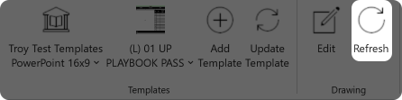
Using the Refresh feature on the ribbon bar allows to you ensure you have the most up-to-date version of the drawing in your template
Why does it matter?
Coaches edit alignments assignments frequently to put their players in the best position to succeed and using the Refresh feature allows to to ensure you are giving your players the most recent changes
How does it work?
Once a drawing is added to a template, single click on the drawing
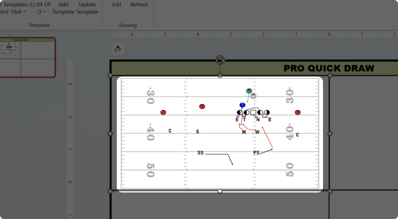
Click the Refresh button on the Pro Quick Draw ribbon bar
Your drawing in the template should now be the latest version
What is next?
TBD<insert link>