![Pro Quick Draw Logo_Grey.png]](https://www.proquickdraw.com/hs-fs/hubfs/Marketing%20Photos/Pro%20Quick%20Draw%20Logo_Grey.png?height=40&name=Pro%20Quick%20Draw%20Logo_Grey.png)
What is it?
Why does it matter?
TBD
How does it work?
Select Template Library
Select the Template Library button on the ribbon bar
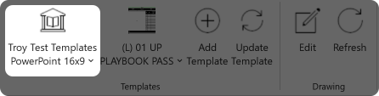
Select the Template Library you like to use
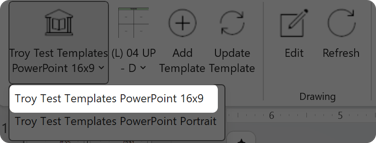
Select a Template
Click on the Template button on the ribbon bar
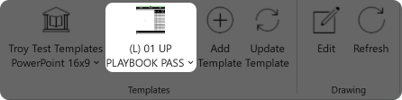
Select the Template you would like to use in your presentation
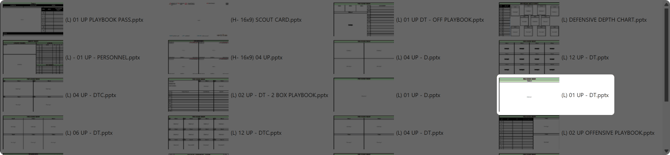
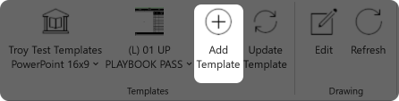
Add a Template
Once you have the template design selected click the Add Template button on the ribbon bar
Update a Template
If you already have a template added to a slide but would like to change the design of the current slide you would use the Update Template button - to do that click on the Template button to select a new design and once the new design is selected click the Update Template button on the ribbon bar

What is next?
Now that you know how to work with your template libraries and add a template to your slide, lets show you how to add your drawings to those templates to begin building your playbook.
<insert link>