![Pro Quick Draw Logo_Grey.png]](https://www.proquickdraw.com/hs-fs/hubfs/Marketing%20Photos/Pro%20Quick%20Draw%20Logo_Grey.png?height=40&name=Pro%20Quick%20Draw%20Logo_Grey.png)
Modify a PQD Template
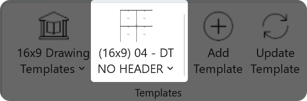
Open the Template Editor located on the Playbook Toolbar.
Select the template you want to modify and select Edit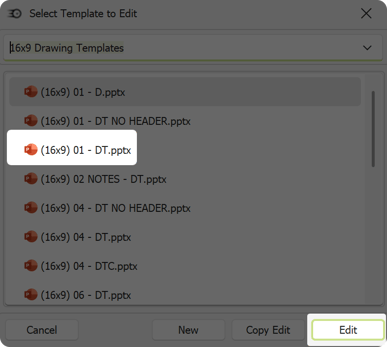
The template will populate and you are ready to modify it. Select the Home tab.
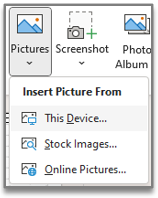
Insert your own content by navigating to the PowerPoint toolbar > Insert tab > Pictures > This Device...
Finish any other adjustments, or customizations then select Save As to name and complete customizing a template.
Now, when you open the Select Template drop-down, your revised template will be visible.