![Pro Quick Draw Logo_Grey.png]](https://www.proquickdraw.com/hs-fs/hubfs/Marketing%20Photos/Pro%20Quick%20Draw%20Logo_Grey.png?height=40&name=Pro%20Quick%20Draw%20Logo_Grey.png)
What is it?
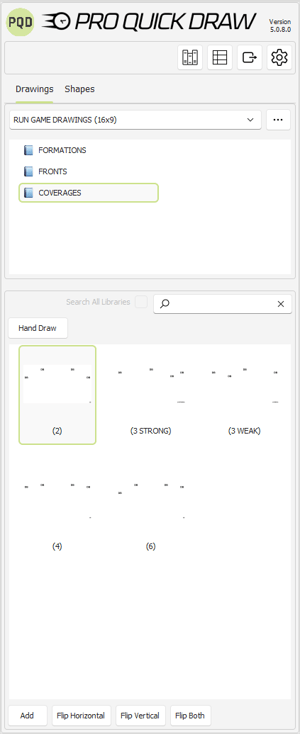
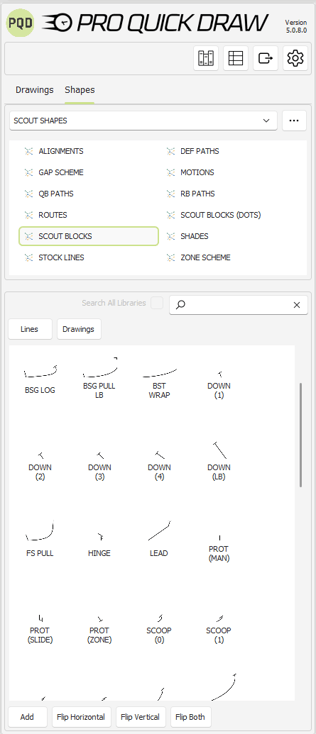
Installation packages are bundled sets of Pro Quick Draw Playbook and Play Editor content. These downloads give you a ready-made starting point for drawing by including specific field backgrounds, templates, Play Editor drawings, and shapes. Each package also includes organized library folders that help you manage and maintain your playbook material.
Why does it matter?
We’ve gathered feedback from coaches over the years and used it to build a more robust, streamlined way to create the exact playbook a staff needs. Pro Quick Draw gives you the flexibility to design playbooks in any style you prefer, but we know that starting from a blank page can be overwhelming. Installation Packages solve this by delivering ready-made field backgrounds, templates, drawings, and organized libraries so you have everything you need to get started quickly—while still being able to fully customize the content to match your terminology, branding, and coaching philosophy.
How does it work?
Coaches can select one or multiple installation packages—across high school, college, and professional league options—based on what their staff needs.
After you have installed Pro Quick Draw,
- Select "PQD Playbook" on the Home tab.
- Select the Libraries (bookshelf) button within the menu on the right.

- Click "Install Packages"
- Select a package by clicking the checkbox and click "Install Selected Packages" to initiate the download.
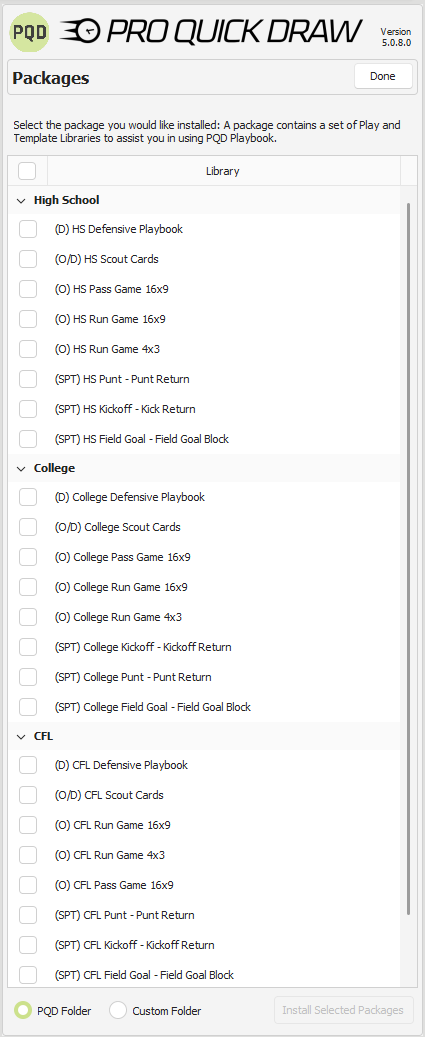
Depending on the package selected—Run Game, Pass Game, Scout Cards, or Special Teams—coaches will have a tailored, ready-made starting point for building out their playbook content.
Important Terminology to Understand
Play Editor: PQD Software that refers to the combined Drawing and Shapes tools that allow coaches to efficiently create, edit, and organize the diagrams used throughout their playbook content.
Play Editor Drawings: These are a collection of shapes within one PowerPoint Slide. Each slide represents a "Drawing"
Play Editor Shapes: Individual or grouped PowerPoint objects that enable a coach to add to their drawing.
Examples: Blocking Lines, Routes, Text Boxes, Combination Blocks
Templates: Customizable Pro Quick Draw files that allow coaches to add, edit, and create presentations to showcase and organize their playbook content.
Files: Customizable Pro Quick Draw files that live within the PQD Library used to drop into templates to create your presentations.
Packages Offered:
Click on a package to learn how to customize and use it effectively.
Defensive Playbook
Pass Game
Run Game (4x3)
Run Game (16x9)
Scout Cards
Kickoff/Kickoff Return
Punt/Punt Return
Field Goal/Field Goal Block
If you are a coach who plans to draw Runs, Passes and Scout Cards, use the SCOUT CARDS INSTALL PACKAGE.