When there is a new public version of Pro Quick Draw, you will automatically see a pop up appear to let you know there is a new version available along with the download button and the release notes about what has been updated in that new version.
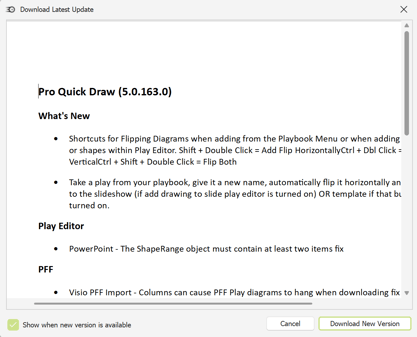
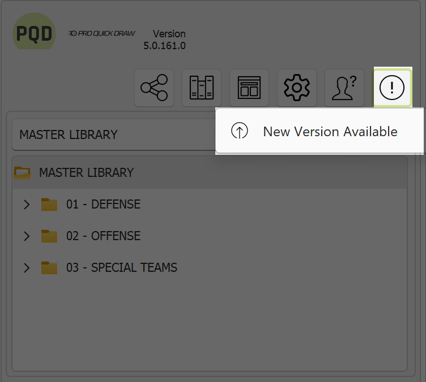
If you do not see this new pop up, or you accidentally uncheck to Show when a new version is available box. Do not worry, you will also see the "i" button in Playbook.
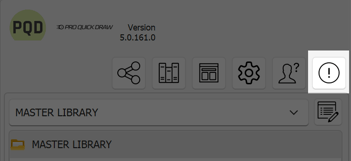
You can simply click the "i" button and click New Version Available, and that will allow the download latest update to pop up, so you can download and also recheck the Show when new version is available option.