
Note: If you experience any issues with the Pro Quick Draw Hudl integration, please contact PQD Support directly. This integration was built and is maintained by Pro Quick Draw, so Hudl Support will not be able to troubleshoot or resolve PQD integration-related issues.
This video demonstrates how to access the Hudl Settings and select the appropriate angles for importing Hudl video clips.
How to Select the Correct Clip Angle
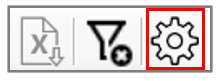
- Select the gear icon on the top right of the Hudl Grid to go into the Hudl Settings menu.
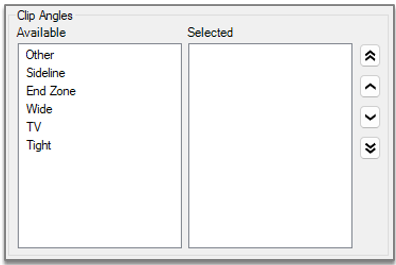
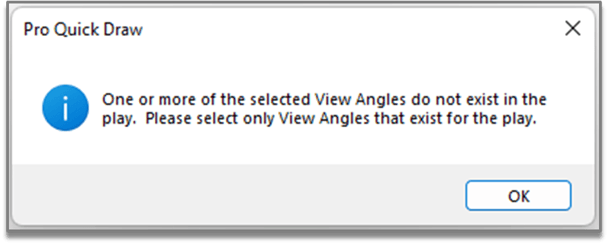
Once you've selected the correct Clip Angles this error will no longer show up when selecting a play.