
Note: If you experience any issues with the Pro Quick Draw Hudl integration, please contact PQD Support directly. This integration was built and is maintained by Pro Quick Draw, so Hudl Support will not be able to troubleshoot or resolve PQD integration-related issues.
- Go to the Media to Add icon and select it.
- In this window is where you'll select the Media Types that you want to throw into your template by double clicking and moving them into Selected Media Types.
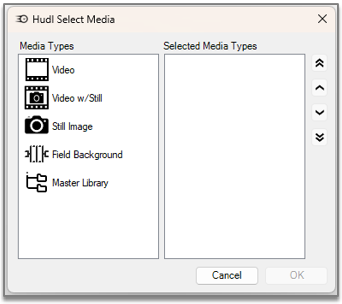
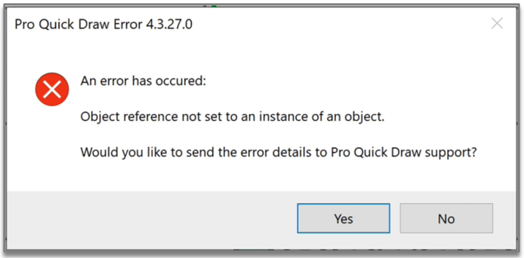
- Once you've chosen your Selected Media Types, hit okay and now you'll be bale to pull them in without this error populating.