![Pro Quick Draw Logo_Grey.png]](https://www.proquickdraw.com/hs-fs/hubfs/Marketing%20Photos/Pro%20Quick%20Draw%20Logo_Grey.png?height=40&name=Pro%20Quick%20Draw%20Logo_Grey.png)
Note: If you experience any issues with the Pro Quick Draw Hudl integration, please contact PQD Support directly. This integration was built and is maintained by Pro Quick Draw, so Hudl Support will not be able to troubleshoot or resolve PQD integration-related issues.
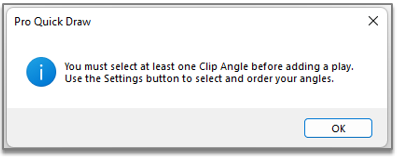
How to Select a Clip Angle when Pulling In Video
- Click Settings (gear icon)
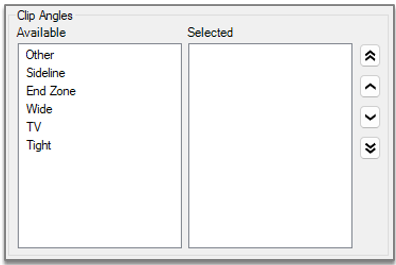
- Select the angle(s) your clips were filmed in by double clicking on them on the left side (Available angles). Item will then be placed on the right side (Selected angles).